
Create Your Escape Game Online
Preview of escape games
Start by creating your first task. Choose a task type and create questions and answers. Each task should have its own code, which forms the final phrase for the solver.
Once you have completed a task, you must assign it to a room. A room can contain multiple tasks.
After creating tasks and rooms, create your game. You can choose whether the game will be public, allowing anyone to play, or private, accessible only to those with a generated game code.
You can edit the placement of individual rooms on the game's main page.
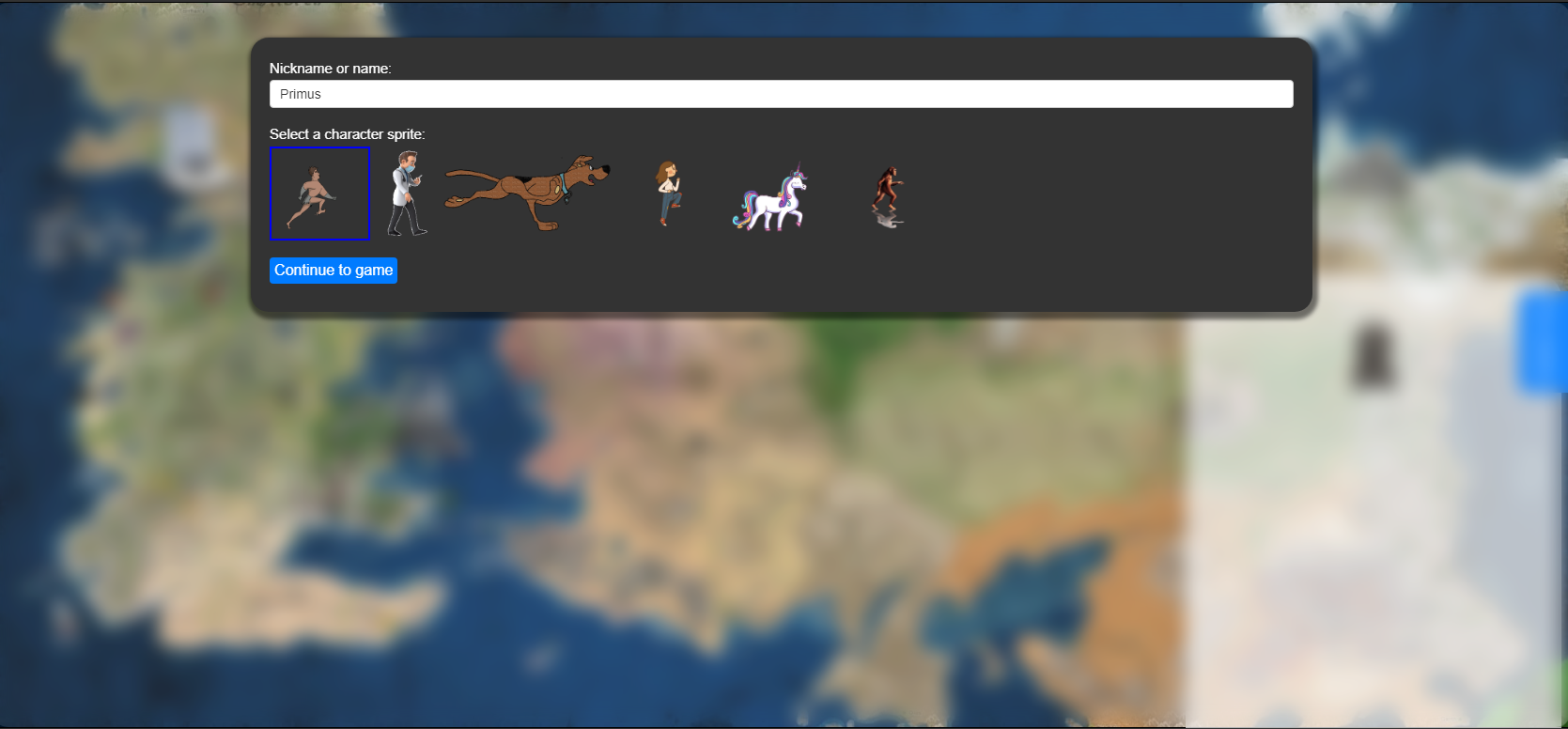
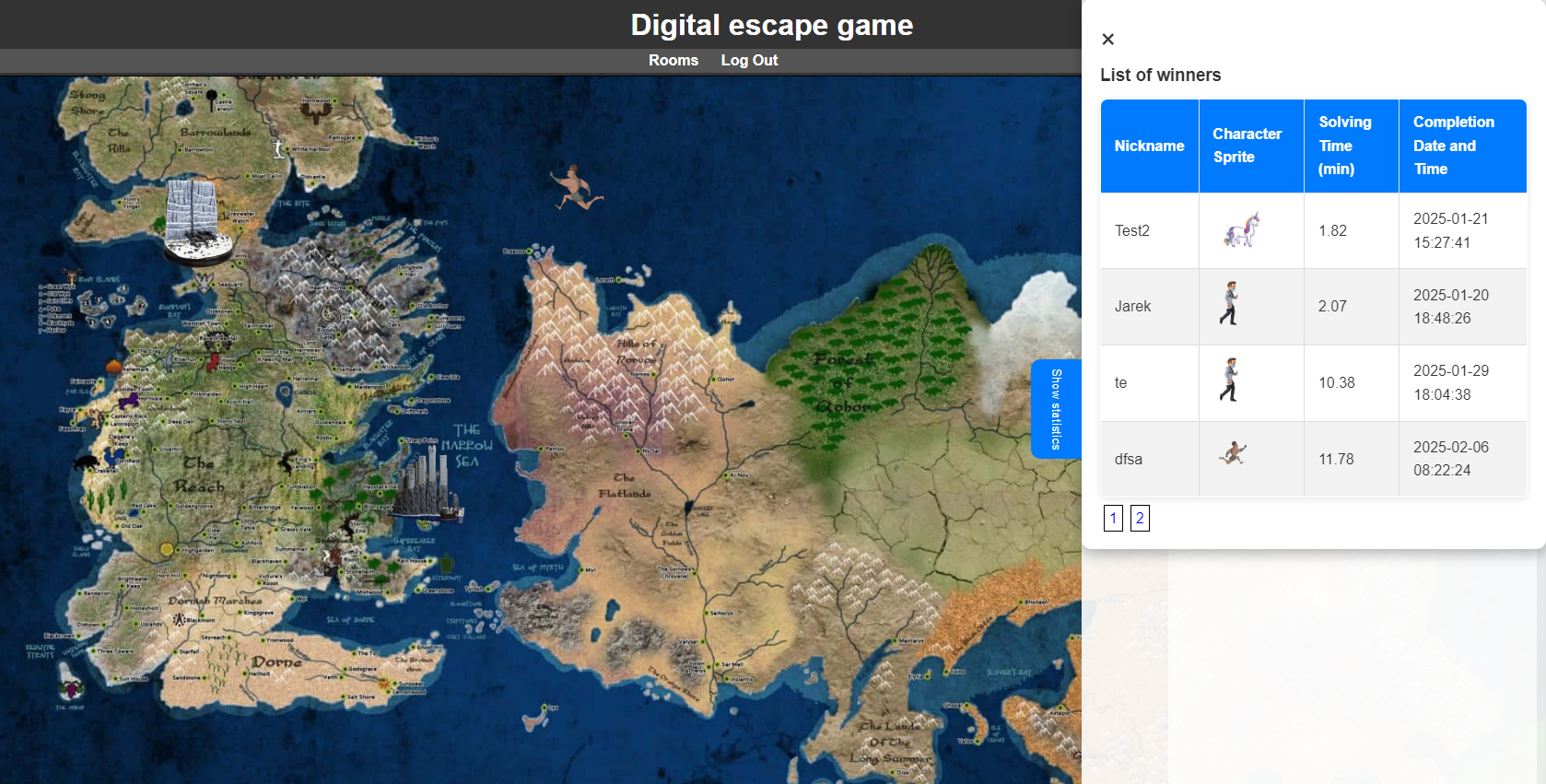
When starting the game, select a character and choose your name. Upon completion, you can compare your results and ranking in the leaderboard of successful solvers.
Each task is marked as solved upon successful completion, indicating you can return to the game and tackle the next task. After solving each task, you receive a code recorded on the main game page.
Once all tasks in a room are completed, the room is marked as solved so you can track the codes you have obtained.
After solving all tasks, an input field for entering the final phrase is unlocked. If successful, your record will be added to the solver leaderboard.
List of Public Games
| Game Name | Description | Category | Game Access |
|---|---|---|---|
| Hra o trůny | Ověř své znalosti seriálu Hra o trůny | Film and Music | |
| Gotika | Jednoduchá a rychlá hra s gotickou skládačkou | Education |
Create Your Escape Game Online
Secure Access
Fast Work
Create and update tasks